Zen Solitaire
Zen Solitaire
Game overview
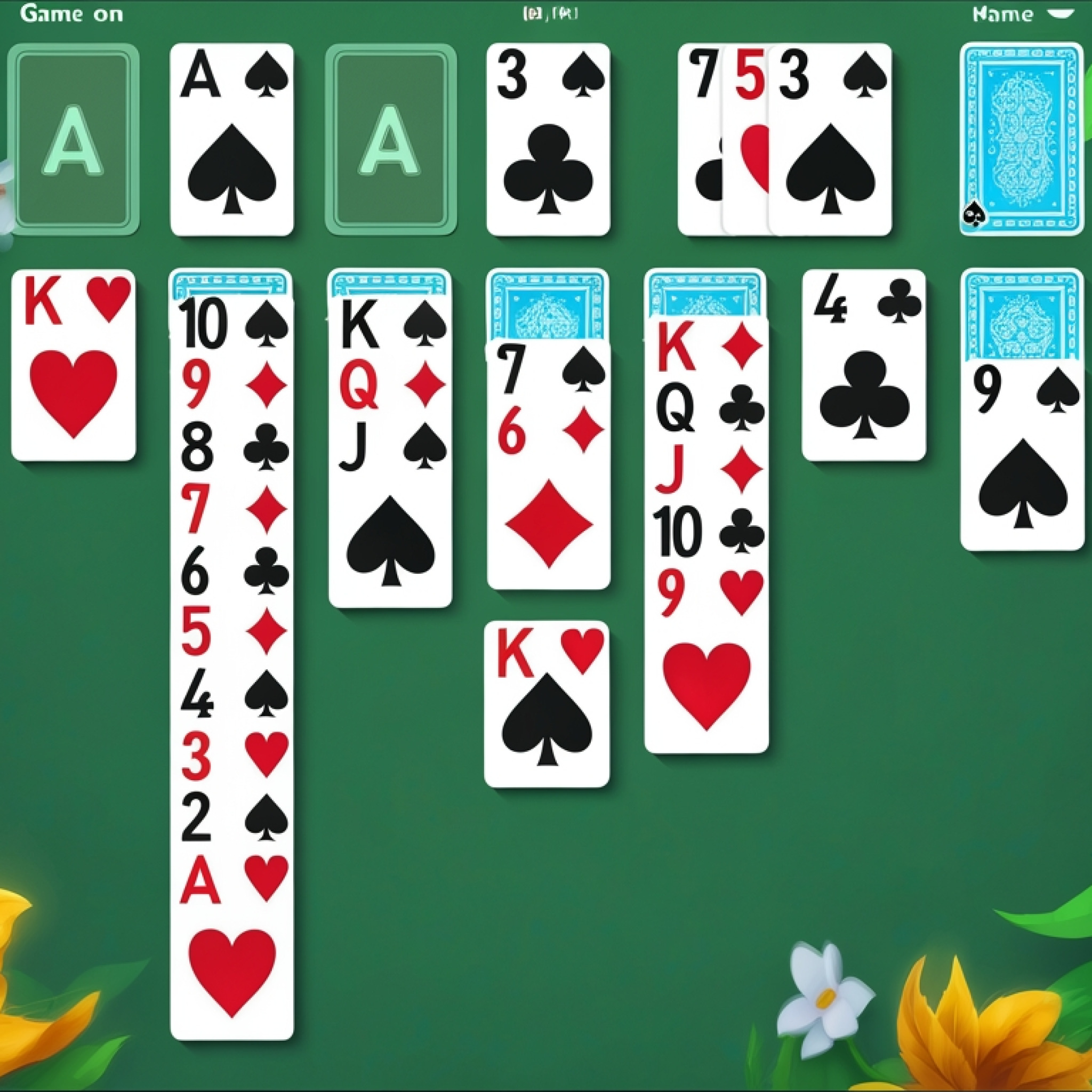
Zen Solitaire is a beautifully crafted, calm, and relaxing version of the classic Klondike solitaire card game. This timeless puzzle challenges players to arrange cards in descending order and alternate colors across the tableau to eventually move all cards to the four foundation piles. With its clean visuals, intuitive interface, and peaceful atmosphere, Zen Solitaire offers a truly soothing gameplay experience, perfect for unwinding after a long day or simply enjoying a moment of quiet focus. You can play this engaging Zen Solitaire game for free directly in your browser at dataroomgame.com, without any downloads or installations required.
What is Zen Solitaire? – Complete Game Overview
Zen Solitaire reinterprets the beloved single-player card game, Klondike Solitaire, with an emphasis on tranquility and accessibility. The core objective remains consistent: transfer all 52 cards from the tableau and stock piles to the four foundation piles, organized by suit from Ace to King. What sets this particular Zen Solitaire experience apart is its minimalist design and serene soundtrack, which together create an environment conducive to concentration and relaxation. Players will find themselves immersed in a peaceful challenge, where strategic thinking meets calm execution.
The game unfolds on a digital tableau consisting of seven columns of cards, with the top card of each column face-up. The remaining cards form a draw pile, or stock. Your task is to manipulate these cards by building sequences in descending order and alternating colors within the tableau columns. Successfully uncovering hidden cards and strategically moving them allows you to clear columns and eventually send
More on Dataroom Game: Dataroom Game, Casual games, Real Love Tester, Bingo Halloween, and Teen Titans Go: Summer Games
How to play
Use your mouse or touch to interact with the game. Follow the in-game instructions to play!











Loading comments...